Synthetic Sciences Releases OpenScience: An Open-Source, Model-Agnostic AI Workbench for Machine Learning, Biology, Physics, and Chemistry Research
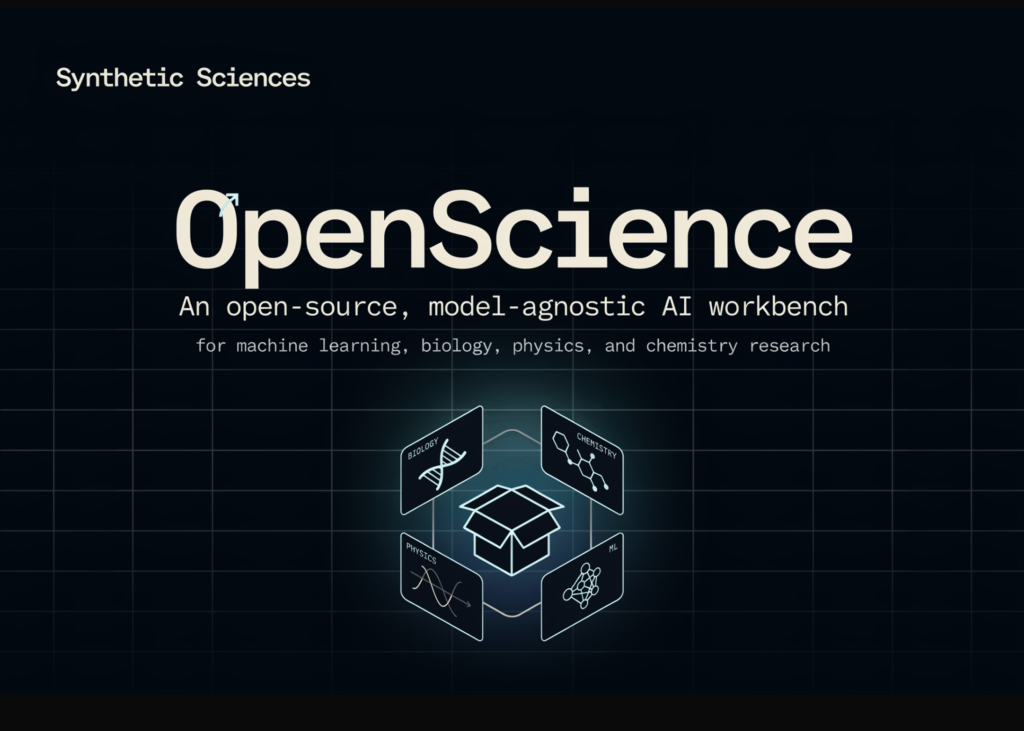
Synthetic Sciences has released OpenScience, an open-source AI workbench for scientific research. It is licensed under Apache 2.0 and runs on your own infrastructure. The research team frames it as an open alternative to Anthropic’s Claude Science, launched in late June 2026.
The pitch is direct. Scientific AI tooling should not be owned by one vendor. OpenScience keeps the workflow open, the models swappable, and the data local. It is an independent project, not affiliated with or endorsed by Anthropic.
TL;DR
OpenScience is an Apache-2.0, model-agnostic AI workbench for machine learning, biology, physics, and chemistry.
It runs the full loop: literature, hypothesis, code, experiment, analysis, and write-up.

Any model works (Claude, GPT, Gemini, GLM, Kimi, DeepSeek, local fine-tunes); switching is per-request.
It ships 250+ editable skills, plus databases (UniProt, PDB, ChEMBL, arXiv, and ~30 more) as agent tools.
It runs on your infrastructure with your keys; bring-your-own-key usage is free and never gated.
What is OpenScience
OpenScience is a browser-based workspace backed by a local agent runtime. You give it a research goal. It then works through the loop a capable collaborator would follow.
It reads relevant papers, forms a hypothesis, writes and runs code, and runs experiments. It queries major scientific databases and writes up the result. All of this happens in one continuous session.
The tool is model-agnostic by design. It works with any frontier or open-weight model, using your own API keys. No account is required to start.
Installation uses npm. The command is openscience, and it opens the workspace in your browser.
openscience
The first run offers three options: Atlas managed models, your own provider keys, or free demo models. You can also skip a global install. Running npx synsci does the same thing in one step.
How It Works
OpenScience runs a local server. That server hosts the workspace UI, the agent runtime, and the tool layer. The agent plans with a research harness and calls tools.
Those tools include the shell, editor, LSP, MCP servers, scientific connectors, and skills. The agent streams its work back to the browser as it runs.
Models are routed per request. You pick the model from the model selector in the workspace. So you can switch providers or run local models without changing anything else.
export ANTHROPIC_API_KEY=sk-ant-…
openscience
# Or open a specific project directory
openscience ~/code/my-project
Your keys stay on your machine. Sessions, artifacts, and provenance are stored on disk. They can be shared as links.
Four things make the runtime useful for real work:
Research agents: A research agent runs by default. Specialist biology, physics, and ml agents exist too. Critique and literature-review sub-agents and a read-only plan mode round it out.
250+ skills: These cover training (DeepSpeed, PEFT, TRL), evaluation, dataset work, and cheminformatics. They also cover molecular and clinical biology, papers, LaTeX, figures, and cloud compute.
Scientific databases as tools: UniProt, PDB, Ensembl, ChEMBL, PubChem, arXiv, OpenAlex, and Semantic Scholar are queryable. Around 30 more are included.
A real workspace: It has a file tree, editor, terminal, and session history. It renders molecules, structures, genomes, and plots inline.
Extensibility is a first-class feature. OpenScience supports LSP integration, MCP servers, plugins, and custom agents. It also ships a TypeScript SDK.
There is an optional managed layer called Atlas. Atlas gives a curated set of frontier models billed from a prepaid wallet. It also adds a persistent research graph and cloud compute. OpenScience works with Atlas but never requires it.
OpenScience vs Claude Science
Both tools target the same job. Both run the loop, render science inline, and prioritize reproducibility. The core difference is openness and model choice.
Claude Science is a polished, standalone product with curated integrations. OpenScience trades some polish for openness, auditability, and provider freedom.
Use Cases With Examples
Machine learning research: An ML engineer wants to test a fine-tuning idea. The ml agent pulls related arXiv papers, then uses PEFT and TRL skills. It writes a training script, runs it, and drafts a short report.
Computational biology: A data scientist studies a protein target. The biology agent queries UniProt and PDB, then renders the structure inline. It proposes candidate mutations and logs the provenance.
Cheminformatics: A chemist screens small molecules. The agent queries ChEMBL and PubChem for bioactivity data. It runs a filter in code and returns ranked candidates with plots.
Model comparison on a budget: A team runs the same task on Claude, then GLM, then a local fine-tune. Switching is one selection, not a rewrite. They compare cost and quality on their own data.
Strengths and Weaknesses
Strengths:
Fully open source under Apache 2.0, so skills and agents are readable and editable.
Model-agnostic routing removes single-vendor lock-in for scientific workflows.
Runs on your infrastructure, so private datasets can stay on your systems.
Broad tool coverage: 250+ skills and dozens of scientific databases as tools.
Extensible through LSP, MCP servers, plugins, and a TypeScript SDK.
Weaknesses:
The agent is not sandboxed; the permission system is not an isolation boundary.
You should run it inside a container or VM if you need isolation.
It is a young project, so expect rough edges versus a mature product.
Bring-your-own-key means you manage provider costs and rate limits yourself.
Quality depends heavily on which model you route each request to.
Interactive Explainer
Check out the GitHub Repo here. Also, feel free to follow us on Twitter and don’t forget to join our 150k+ML SubReddit and Subscribe to our Newsletter. Wait! are you on telegram? now you can join us on telegram as well.
Need to partner with us for promoting your GitHub Repo OR Hugging Face Page OR Product Release OR Webinar etc.? Connect with us